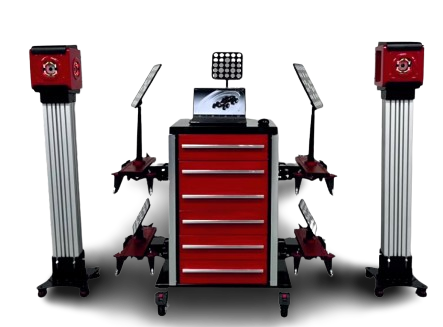
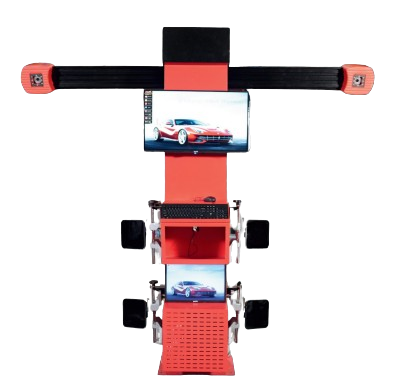

START POSITIONING CALIBRATION
Click this button to start positioning calibration and complete the standard four-wheel alignment procedure set by the system.

VEHICLE SELECTION
Select a standard test vehicle. System includes built-in database and user-defined database.

VEHICLE SPECIFICATIONS
View and edit vehicle specifications stored in the customer-defined database.

CUSTOMER DATA
Enter customer data management interface to find, add and edit customer data.

PRIORITY SETTING
Access priority settings including unit settings, name settings and language selection.

MAINTENANCE
Enter equipment maintenance interface including system calibration and diagnostics.
Available in
Blue
Red
Gray